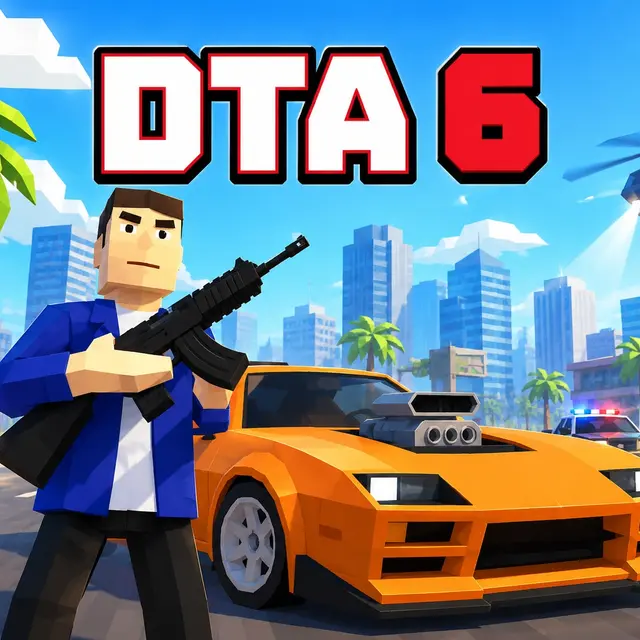
GTA 6
- Genre Action games
- Players 1
- Session 15 min
- Price Free
- Updated
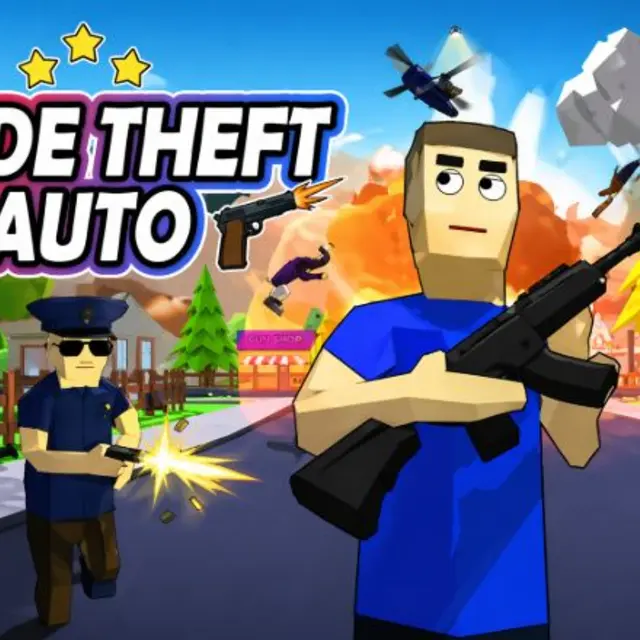
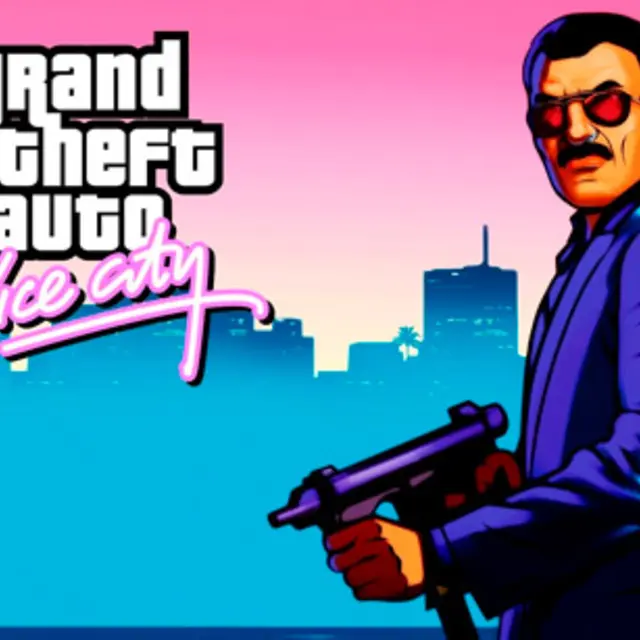
This GTA 6 is a small independent open-world game that runs in a web browser. It is not the big upcoming console release and it is not connected to that studio; it is a lightweight fan-style project that borrows the idea of a sunny, crime-filled coastal city and makes it playable in a tab with no download. Set your expectations accordingly and it is a fun sandbox for driving around, messing with traffic and running short missions.
The city is the main attraction. Wide boulevards, beach roads, side alleys and intersections are all open from the start, with no story locks walling off districts. You can explore on foot or take any sedan, sports car or van that is parked by the curb or driving past. The car handling is physics-based, so weight and speed matter on corners, and the handbrake is how you swing through a tight turn without losing the car into a wall.
Missions are marked on the mini-map. Walking into a marker starts a task, some about driving and some about fighting, and trouble on the streets draws police cars toward you. You can shoot back with pistols, rifles and shotguns chosen from the number keys, or lose a pursuit by cutting through alleys and doubling back along a parallel road. Getting away cleanly is often more satisfying than winning the fight.
Two playable characters share the map, and pressing T switches between them at any moment while on foot. There is no fixed order to follow: pick a marker, grab a car first so you have an escape ready, and see how it goes. The M key opens the full map when the mini-map is not enough, and V cycles camera views if you prefer to drive from closer behind the car.
| W A S D | Move on foot or drive |
|---|---|
| Mouse | Camera |
| Shift | Sprint |
| Space | Jump / Handbrake |
| F | Enter or exit a vehicle |
| Left click / Right click | Fire / Aim |
| R | Reload |
| 1–5 | Choose weapon |
| T | Switch character |
| M / V / Esc | Map / Camera view / Pause |
How to play GTA 6
- Walk up to any parked or passing car and press F to take it. Press F again to get out.
- Drive with W A S D and use Space as a handbrake to slide through sharp corners.
- Check the mini-map, or press M for the full map, to find mission markers, then drive into one to start it.
- Aim with the right mouse button, fire with the left, and switch weapons with the number keys 1 to 5.
- When police chase you, break line of sight through alleys and side streets until they lose you.
Tips
- Park a working car near a mission marker before you trigger it, so the getaway is one key press away.
- Tap the handbrake rather than holding it; a short pull turns the car, a long one spins it.
- Swap characters with T if you want a fresh start on foot in a different spot of the city.
Questions about GTA 6
Is this the real upcoming console game?
No. It is an independent browser game that uses the name; it is not an official release and has no link to that studio.
Do I need to download anything?
No. The game loads in the page and plays in the browser.
Can I switch characters?
Yes. Press T while on foot to swap between the two playable characters.
How do I start a mission?
Find a marker on the mini-map or the full map (M) and go to it; walking or driving into it starts the task.
How do I escape the police?
Break their line of sight by taking side alleys and smaller roads, or drive far enough away that the chase ends.
Does it support touch controls?
It is built for keyboard and mouse, so a desktop or laptop is the best way to play.
Is there a story to follow?
Not a linear one. The whole city is open, and you choose which missions to do and when.