Lara Croft: Adventurer
New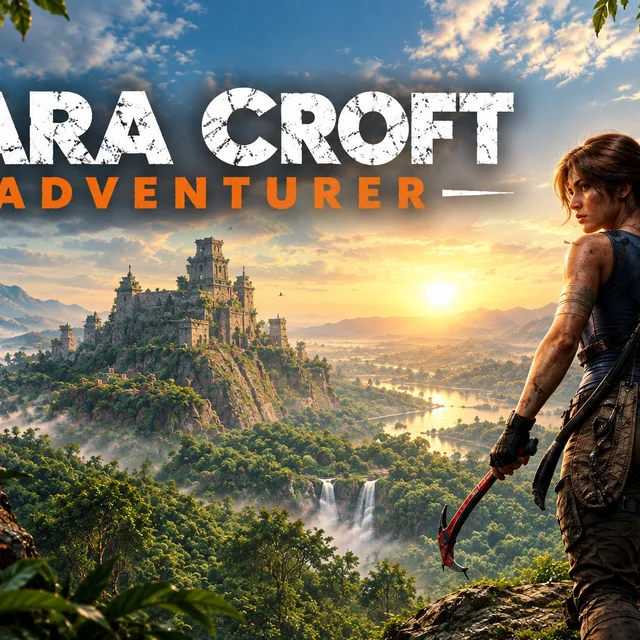
- Genre Action games
- Players 1
- Session 5 min
- Price Free
- Updated
Lara Croft: Adventurer starts without a title screen. Press play and you are already standing behind the heroine in a narrow stone passage: angular polygon walls with carved panels, a low ceiling, chunky pixel textures and that unmistakable late-1990s look, braid, backpack and twin holsters included. It runs on OpenLara, a fan-made open-source rebuild of the engine behind the first Tomb Raider games, so what you get feels very close to the original PC release of that era.
The controls are the old tank-style scheme. W or the up arrow runs forward, the side keys turn on the spot, holding Shift slows Lara to a careful walk that will not step off a ledge, and Z and X sidestep. Space jumps, and in water it swims. Q draws or holsters the pistols, Ctrl or E fires and also handles levers and switches, number keys swap weapons, and this version adds a slow-motion toggle on R that makes fights far more forgiving.
Progress is a matter of reading the room. Metal gates block most exits, and the levers that open them hide in side chambers, on high ledges or at the bottom of flooded pools. Getting there means lining up a running jump across a pit, grabbing an edge and hauling up, or diving in and watching the air bar while you search for an underwater passage. Wildlife guards the halls: wolves come at you in packs, bats flutter in from the dark and larger animals can take a big chunk of health, so you keep moving while shooting.
It is a slower, more methodical adventure than modern action games, and it rewards patience: walk to edges, look around before jumping, and remember where you saw a switch you could not reach yet. It needs a keyboard, and a larger window helps, because the low-resolution textures hide ledges and levers in a small frame.
| W A S D / Arrow keys | Run forward, turn and step back |
|---|---|
| Shift + direction | Walk carefully without falling off edges |
| Space | Jump; swim when in water |
| Z / X | Sidestep left or right |
| Q | Draw or put away weapons |
| Ctrl / E | Shoot, pull levers, use switches |
| 1–9 | Switch weapons |
| R | Toggle slow motion |
How to play Lara Croft: Adventurer
- Press play; Lara appears in the first corridor of the temple.
- Explore with the arrow keys or WASD and hold Shift near edges so you do not fall.
- Find levers and switches that open the metal gates blocking the way forward.
- Jump over pits with Space and climb up to ledges where switches are hidden.
- Dive into flooded rooms for keys and passages, surfacing before your air runs out.
- Draw your pistols with Q when animals attack and fire with Ctrl or E.
Tips
- Back up one step from a ledge before a running jump; starting at the very edge often makes Lara fall short.
- Turn on slow motion with R as soon as wolves appear, then back away while shooting.
- When stuck, look up: many switches sit on high ledges reachable only by climbing.
Questions about Lara Croft: Adventurer
Is this an official Tomb Raider game?
No. It is an unofficial fan port that runs on OpenLara, an open-source rebuild of the classic engine; the character belongs to the series' owners.
What do I do in Lara Croft: Adventurer?
Explore a 3D temple, open gates with levers, cross pits, swim through flooded rooms and fight off animals until you reach the exit.
How do I avoid falling off edges?
Hold Shift while moving; Lara walks slowly and stops at the edge instead of stepping over it.
What does slow motion do?
Pressing R slows the action down, giving you time to dodge, aim and switch weapons in fights.
Can I play it on a phone?
It is designed for a keyboard, so a computer is strongly recommended.
Do I need to download it?
No, it runs in the browser.