Ragdoll Sandbox
- Genre Arcade games
- Players 1
- Session 15 min
- Price Free
- Updated
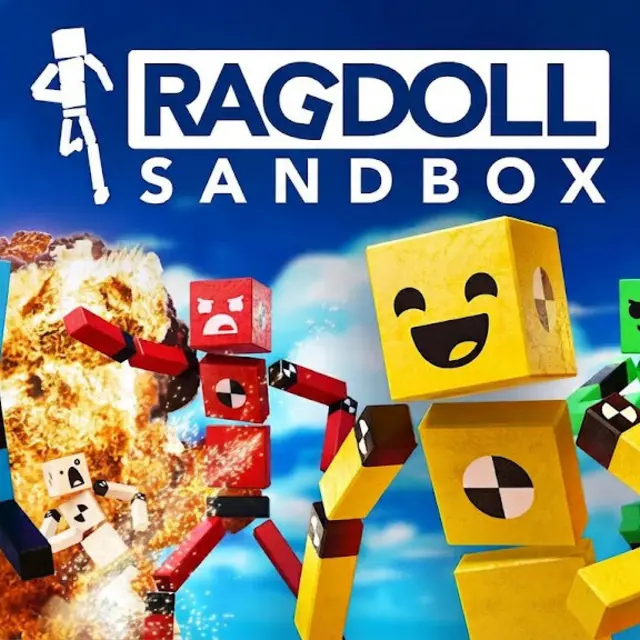
Ragdoll Sandbox has no mission list and no final goal. You get an empty 3D space, a menu full of objects and a crowd of floppy figures, and the fun is entirely in what you set up and how the physics reacts. It plays in the browser without a download, and you walk around your creation in first person with the keyboard and mouse while you build.
The object catalogue is where scenes come from: cannons, mines, lasers, giant fans, cars, jump pads, pendulums and telepads that move anything stepping on them to another spot. Put a few in a row and you have a chain reaction; add slopes and walls and you control where a figure goes after each hit. People use the same parts to make obstacle courses, race tracks, mazes or simply destruction arenas. Supported objects have settings too, so a mine can be made far more powerful, and the world itself can be adjusted, including gravity, for slow floaty tests or brutally heavy ones.
The ragdolls are not just props. Each one can be given a behaviour: attackers chase and hit other figures, defenders guard an area you choose, seekers go looking for others, followers stick close to a target and explorers wander the map by themselves. Mixing these roles turns a static trap course into a small simulation where you watch a fight or a chase play out through the obstacles you placed. You can also resize figures and change their skins, faces and hats.
There are three ways in. Sandbox mode is the open builder. Mini-Games mode offers short challenges with set goals and rules for when you do not want to build. Explorer mode lets you browse worlds that other players published and play in them, and you can publish your own scenes the same way.
| W A S D | Move |
|---|---|
| Mouse | Look and use menus |
| Space | Jump |
| E | Interact |
| R | Ragdoll / Respawn |
| F | Open the item menu |
| Tab | Build mode |
| C | Crouch |
How to play Ragdoll Sandbox
- Pick Sandbox mode to build freely, Mini-Games for set challenges or Explorer to visit worlds made by others.
- Press F to open the item menu and place cannons, fans, jump pads, pendulums, telepads and other objects.
- Spawn ragdolls and assign each one a behaviour such as attacker, defender, seeker, follower or explorer.
- Adjust object settings and world options like gravity or explosion power, then start the scene and watch.
- Rearrange and retry until the chain reaction works, then publish the world to share it.
Tips
- Put a slope or wall right after a launcher; it decides where the figure lands far more than the launch force does.
- A defender guarding a spot plus a few attackers makes an instant battle to test your traps against.
- Lower gravity makes chain reactions slower and easier to watch; raise it once the timing is right.
Questions about Ragdoll Sandbox
Is there a goal in Ragdoll Sandbox?
Not in Sandbox mode. You set your own experiments; Mini-Games mode adds short challenges with specific goals.
What objects can I place?
Cannons, mines, lasers, giant fans, cars, jump pads, pendulums, telepads and more.
Can the ragdolls move on their own?
Yes. Give them AI roles such as attacker, defender, seeker, follower or explorer and they act accordingly.
Can I change gravity?
Yes. World settings include gravity, and many objects have their own adjustable properties.
Can I share what I build?
You can publish your worlds, and Explorer mode lets you play worlds that other people published.
Does it work on touch screens?
It is designed for keyboard and mouse, so a computer gives the best control.
Can I customise the ragdolls?
Yes. You can resize them and change their skins, faces and hats.