Lovely Mermaid Jigsaw
- Genre Puzzle games
- Players 1
- Session 8 min
- Price Free
- Updated
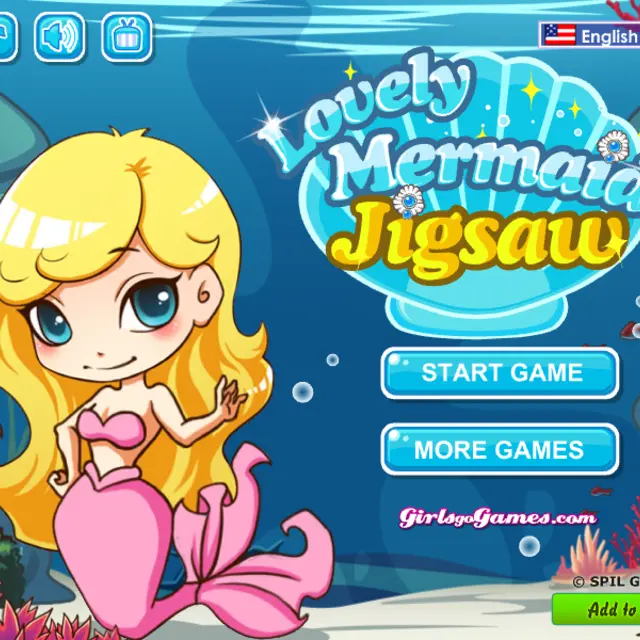
Lovely Mermaid Jigsaw takes the cartoon mermaid from the Spil Games series and cuts her pictures into squares. It is not a drag-anywhere jigsaw. The pieces sit in a fixed grid inside a shell-topped frame, and you rearrange them by swapping two squares that sit next to each other. Before you start you pick Easy, Normal or Difficult, which changes how finely each picture is sliced. Every round opens with the completed image on show so you can memorise it; the first one is the mermaid posing in front of a red curtain with a school of blue fish behind her. Press Next and the picture is shuffled into tiles, with a Hint button on the right that starts at three uses. Solving pictures in order moves her romance along one illustration at a time.
| Click a tile | Select it |
|---|---|
| Click a neighbouring tile | Swap the two |
| Hint | Get help, three uses at the start |
| Main Menu | Leave the puzzle |
How to play Lovely Mermaid Jigsaw
- Press Start Game and choose a difficulty.
- Study the full picture on the preview screen, then press Next.
- Click one square and then an adjacent square to exchange them.
- Keep swapping until every piece sits in its original spot.
- Finish the picture to unlock the next scene of the story.
Tips
- Fix the corners first; their edges and frame colours make them easy to recognise.
- Faces and hair give the strongest clues, while plain water tiles are best left for last.
- Save hints for the harder settings, where pieces are smaller and look alike.
- Work row by row once the corners are placed; a finished top row makes the rest much easier.
Questions about Lovely Mermaid Jigsaw
Can I move a piece anywhere?
No. Squares only trade places with a neighbour, so plan short chains of swaps.
What changes between difficulties?
The number of tiles each picture is cut into.
How many hints do I get?
The counter starts at three.
Is there a timer?
We saw no countdown; you can take the puzzle at your own pace.
Can I see the finished picture again?
It is shown before every puzzle, so take a good look before pressing Next.
Is it suitable for younger players?
Yes. Easy mode uses large pieces, and there is no penalty for trying swaps.