Hatsune Miku Dressup
- Genre Educational games
- Players 1
- Session 5 min
- Price Free
- Updated
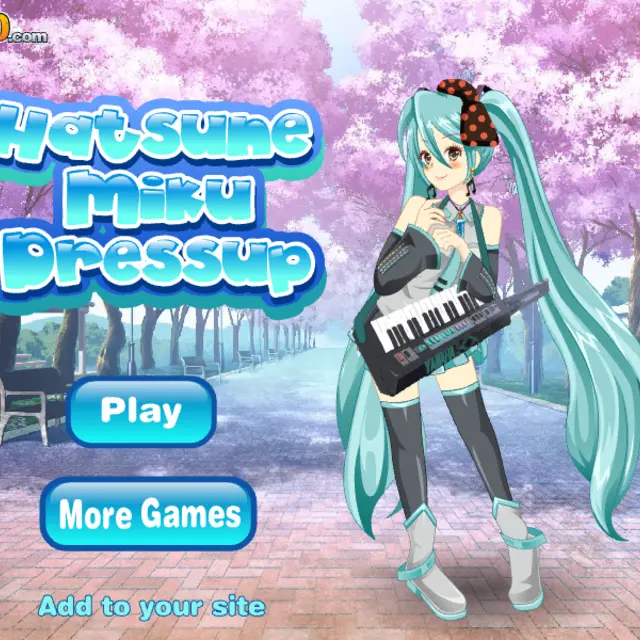
Miku stands on a path lined with pink cherry trees, with her long turquoise twin tails reaching almost to the ground. This dress-up game, released by Spil Games in the early 2010s, is small in wardrobe but generous with the face. The left column of the panel handles hair colour, eyes, lips, hairstyles, hair accessories and a microphone-style extra; the right column covers tops, skirts, dresses, jewellery, shoes and socks. Many categories come in numbered variants from one to six, and the arrows at the top of the panel page through the rest. The original description is honest about it: not the biggest closet, but plenty of hairstyles and mouth shapes to play with.
| Left column icons | Hair, eyes, lips and accessories |
|---|---|
| Right column icons | Clothes, jewellery and footwear |
| Numbers 1-6 | Pick a variant in the open category |
| Show | Hide the panel to see the full look |
| Reset | Return Miku to her starting outfit |
How to play Hatsune Miku Dressup
- Press Play on the title screen to open the styling panel.
- Choose a category icon on the left or right edge of the panel.
- Click a numbered button or the item in the middle to put it on Miku.
- Use the arrows at the top of the panel when a category has more pieces than fit on one page.
- Press Show to admire the finished look without the panel in the way.
Tips
- Start with the hairstyle, since the twin tails take up most of the picture and set the mood.
- Pair a soft lip shape with the large eyes for a calm look, or a wide grin for a stage-ready one.
- Reset is instant, so try bold mixes freely.
- Accessories in the left column change the silhouette a lot; a single bow or clip can make a plain outfit feel finished.
Questions about Hatsune Miku Dressup
Is this an official Miku game?
No. It is a fan-style dress-up made by Spil Games that uses the character's name and look.
How big is the wardrobe?
Modest: a handful of pieces per clothing group, with more choice in hair and facial features.
Can I save the picture?
There is no save button; use Show and take a screenshot if you want to keep a look.
How long does a session take?
Usually five minutes or so; there is no goal beyond making a look you like.