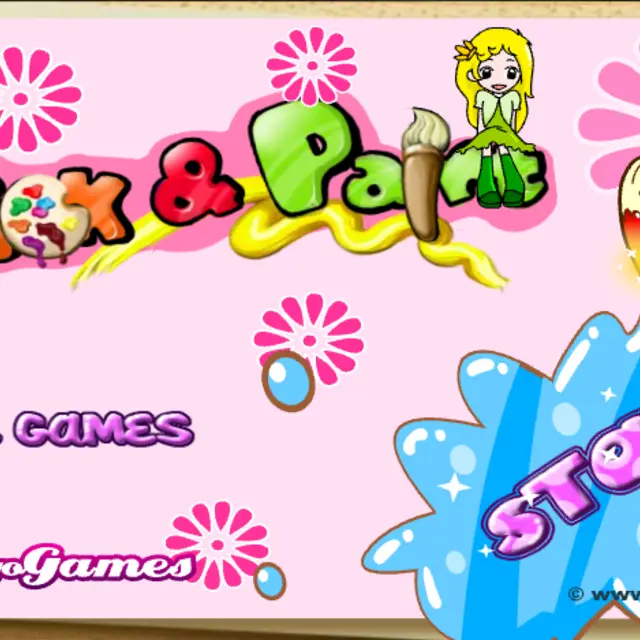
Pick & Paint
- Genre Educational games
- Players 1
- Session 7 min
- Price Free
- Updated
Pick & Paint is a colouring book in its simplest and friendliest form. Each page is a black-and-white line drawing of the same little group of cartoon kids: a girl with a straight fringe, a boy with a big curly mop of hair, a girl with long wavy locks and a flower clip, and a short-haired singer holding a microphone. In one picture they are sitting in the grass while one of them sings; in another they are dressed as babies with dummies and a skipping rope. The palette on the right is a golden wave covered in hearts, flowers, stars and clover shapes, each one a different colour, and clicking one picks up that shade. Clicking any closed area of the drawing then floods it with colour. An eraser button restores a filled area to blank, the arrows flip between pictures, and a printer icon sends the page to paper. It is a gentle Spil Games classic with no scoring at all.
| Click a palette shape | Choose a colour |
|---|---|
| Click the picture | Fill the area with the chosen colour |
| Eraser button | Clear a filled area back to blank |
| Arrow buttons | Go to the previous or next picture |
| Printer button | Print the page |
How to play Pick & Paint
- Press the big Start splash on the title page.
- Click a coloured heart, flower or star on the palette to load that colour.
- Click inside any outlined area of the drawing to fill it.
- Pick the eraser and click a coloured area if you want to change your mind.
- Use the arrows to move to another picture, and print the ones you like.
Tips
- Colour the large background areas first; small details are easier to judge against them.
- Thin gaps in the outline can let colour spill, so look closely at the lines before filling small pieces.
- Similar shades sit next to each other on the palette, which helps with skin tones and hair.
Questions about Pick & Paint
Do I need to draw carefully?
No. Every click fills a whole enclosed area, so there is no brushwork and no going over the lines.
How many pictures are there?
Several scenes with the same group of kids; use the arrows to flip through them.
Can I fix a mistake?
Yes. Use the eraser button, or simply fill the area again with another colour.
Is it good for young children?
Very. It is one click per action, has no timer and no text to read.