Run 2
- Genre Arcade games
- Players 1
- Session 5 min
- Price Free
- Updated
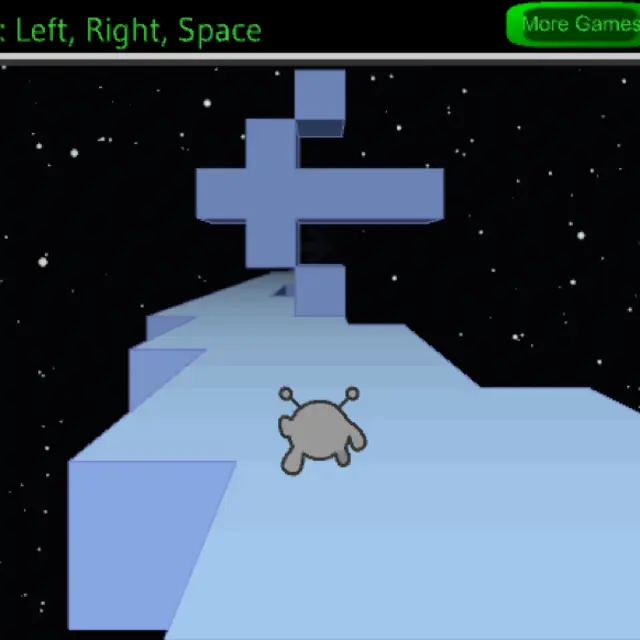
Run 2 is the middle game of Joseph Cloutier's Run series, released in 2011. A small grey alien with two antennae sprints forward on its own along a track of pale blue blocks hanging in a field of stars. You never control speed. You steer left and right and press Space to jump, and that is enough for the whole game: missing tiles open holes in the floor, raised blocks stand in the way, and overhead slabs make some jumps shorter than they look. The title screen asks you to pick between two characters, the Runner and the Skater, and each one starts its own level 1. Next to them sits an Edit button with a full level editor, so you can create a new level or load one you already built. Compared with the later Run 3, the presentation is plain, flat-coloured and quick to load, and each level fits into a few seconds of focused jumping.
| Left and Right arrows | Move sideways across the track |
|---|---|
| Space | Jump; also starts a level from its intro card |
| P | Pause |
| R | Restart the current level |
| Controls menu | Click a key to change any of these bindings |
How to play Run 2
- Click the alien under Runner or under Skater on the title screen to choose a character.
- Read the level card, then click it or press Space to begin. Level 1 is a tutorial called Left, Right, Space.
- The alien runs forward by itself. Steer around holes and blocks with the arrows and jump over the rest.
- Fall into space and the level restarts from the beginning. Press R to restart sooner if a run is already lost.
- Collect the yellow bonuses on the way. Reach the end of the track to unlock the next level.
Tips
- Watch the far end of the track, not the alien. The next block appears in the distance long before you need to react.
- When a block sits in your lane, side-stepping is often safer than jumping, especially where a slab hangs overhead.
- Bonuses are optional. Finish a level once, then go back for the yellow dots when the route is familiar.
- If the default keys feel cramped, open Controls from the title screen and rebind jump.
Questions about Run 2
What is the difference between Runner and Skater?
They are two characters with separate level lists. The Skater's first level has its own name, so you are playing a different set of tracks.
Can I make my own levels?
Yes. Edit on the title screen opens the editor with Create a new level and Load an existing level.
Is this Run 3?
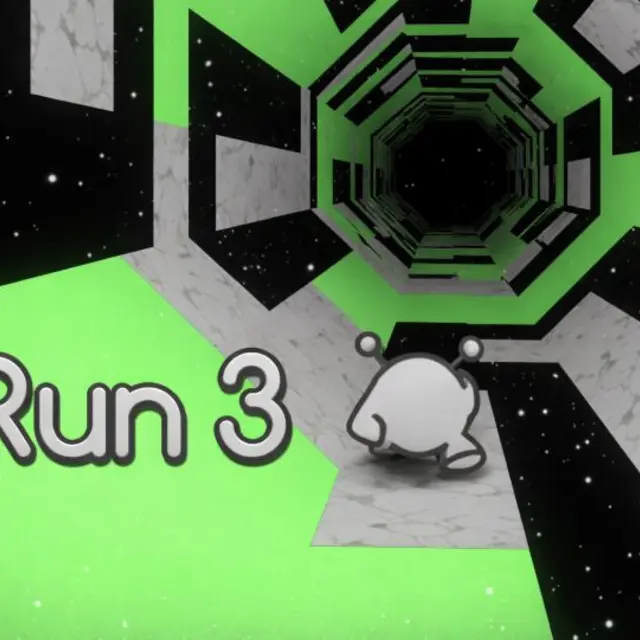
No. Run 2 is the 2011 predecessor. Run 3 is a separate, larger game with its own page here.
Does it work on a phone or tablet?
No. Steering and jumping need a keyboard, so play on a computer.